 thomas
1babf2e334
thomas
1babf2e334
Enables Color through an Include snippet in /etc/pacman.d so pacman
options stay in sync between machines.

Co-Authored-By: Claude Opus 5.5 <noreply@anthropic.com>
✨ My Hyprland Configuration ✨
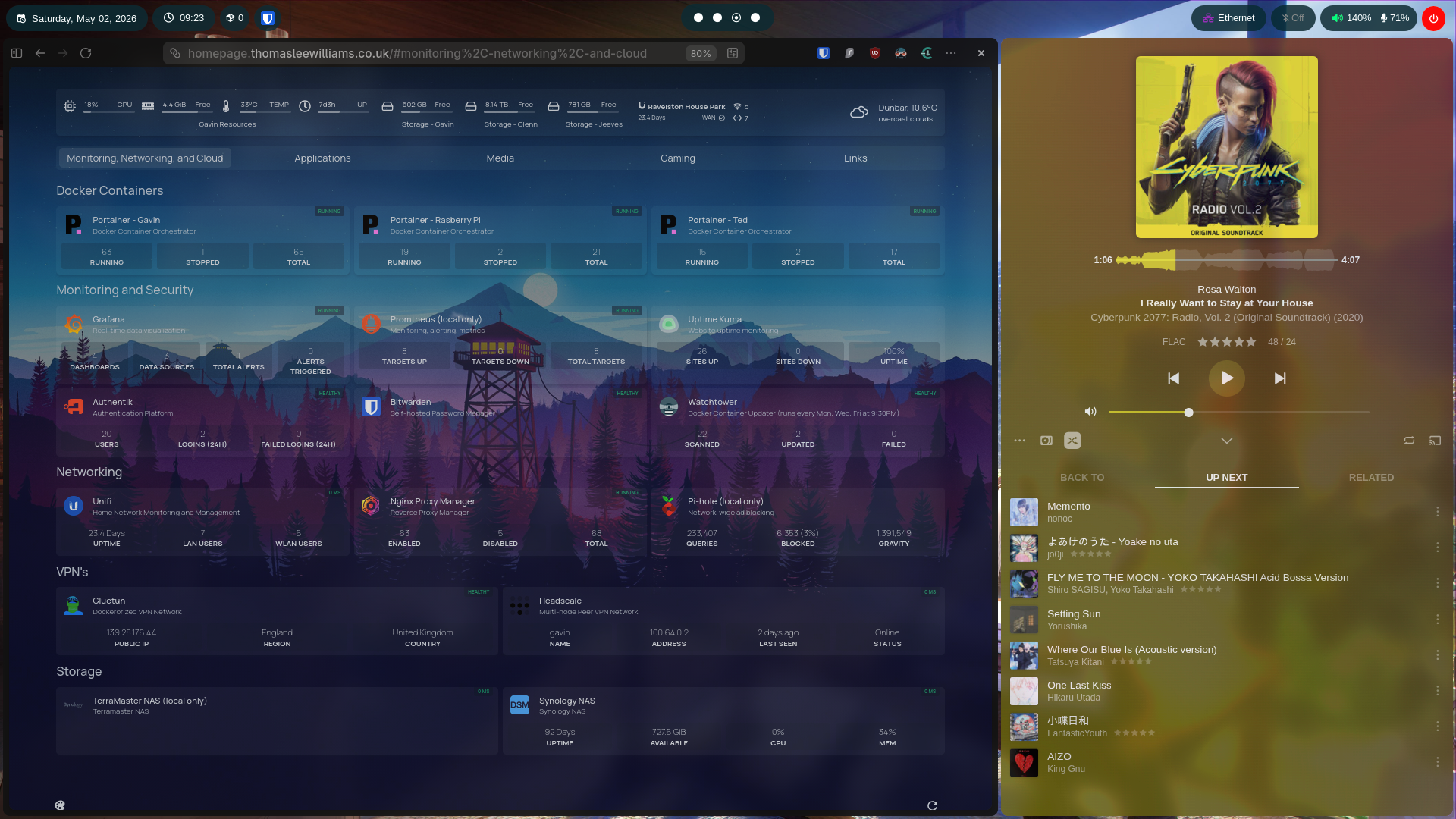 General | Plexamp |
||
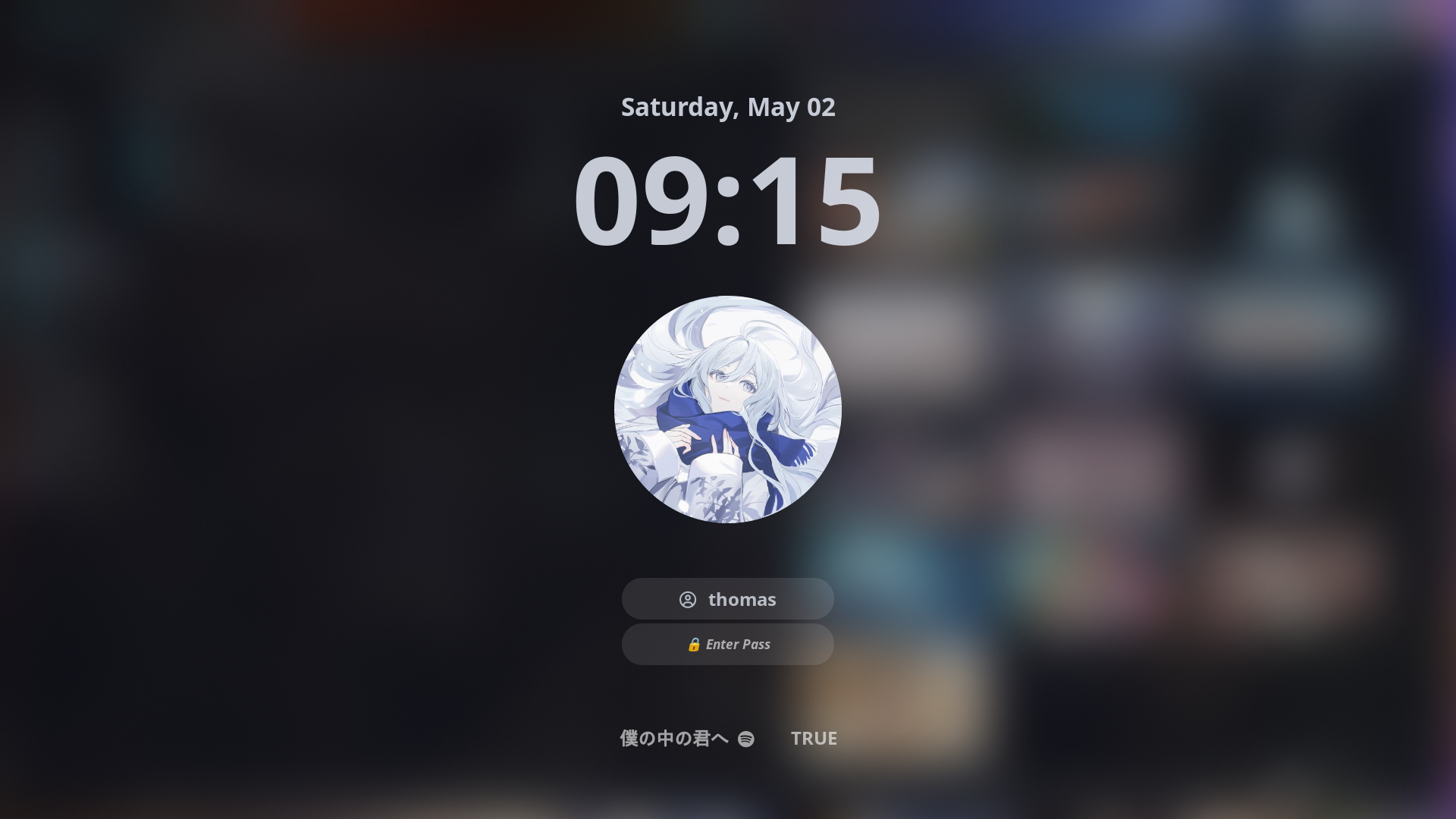 Hyprlock |
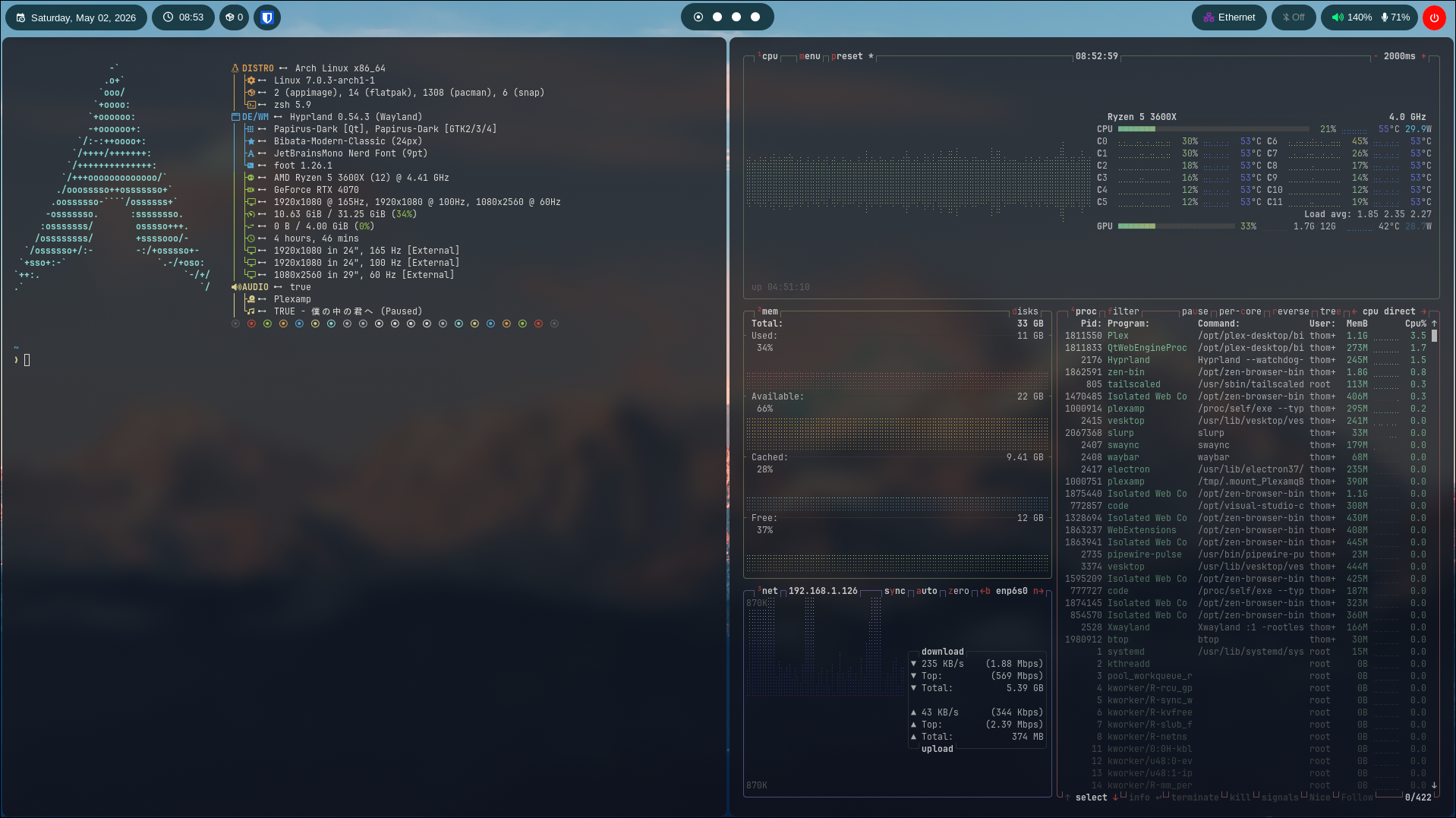 Terminals |
|
⚪️ Dotfiles
My dotfiles, a constantly evolving set of configurations which I arguably spend too much time tweaking, but they make the command line feel like home, so here we are.
🖥️ Installation
In order to apply these dotfiles, you must have the SSH Key stored in your password manager, then connect the SSH-Agent to your shell. Once that is done, you will need the application Stow in order to keep it synced.
After this, you will need to git clone the repo in the Projects directory
mkdir Projects
git clone ssh://git@gitea.thomasleewilliams.co.uk:2222/thomas/dotfiles.git
Once that is complete, run this command:
stow -d ~/Projects/dotfiles/ -t ~/ dotfiles
This will sync wallpapers/config files to where they are usually located
System-level config (e.g. pacman options) lives in system/ and is installed with sudo:
~/Projects/dotfiles/system/install.sh
📦 Programs
List of programs and tools I use.
| Component | Program |
|---|---|
| 🪟 Windows Manager | hyprland |
| 🖥️ Terminal | foot |
| 🐚 Shell | zsh / theme |
| 📁 File Manager | thunar |
| 📝 Editor | vs code / neovim (changing to soon) |
| 🌐 Browser | zen / firefox / startpage |
| 📊 Bar | waybar / quickshell |
| 🚀 Launcher | rofi |
| 🔒 Lockscreen | hyprlock |
| 🚪 Login Menu | sddm |
| 🗔 Wallpaper | awww / waypaper |
| 🎵 Music Player | plexamp |
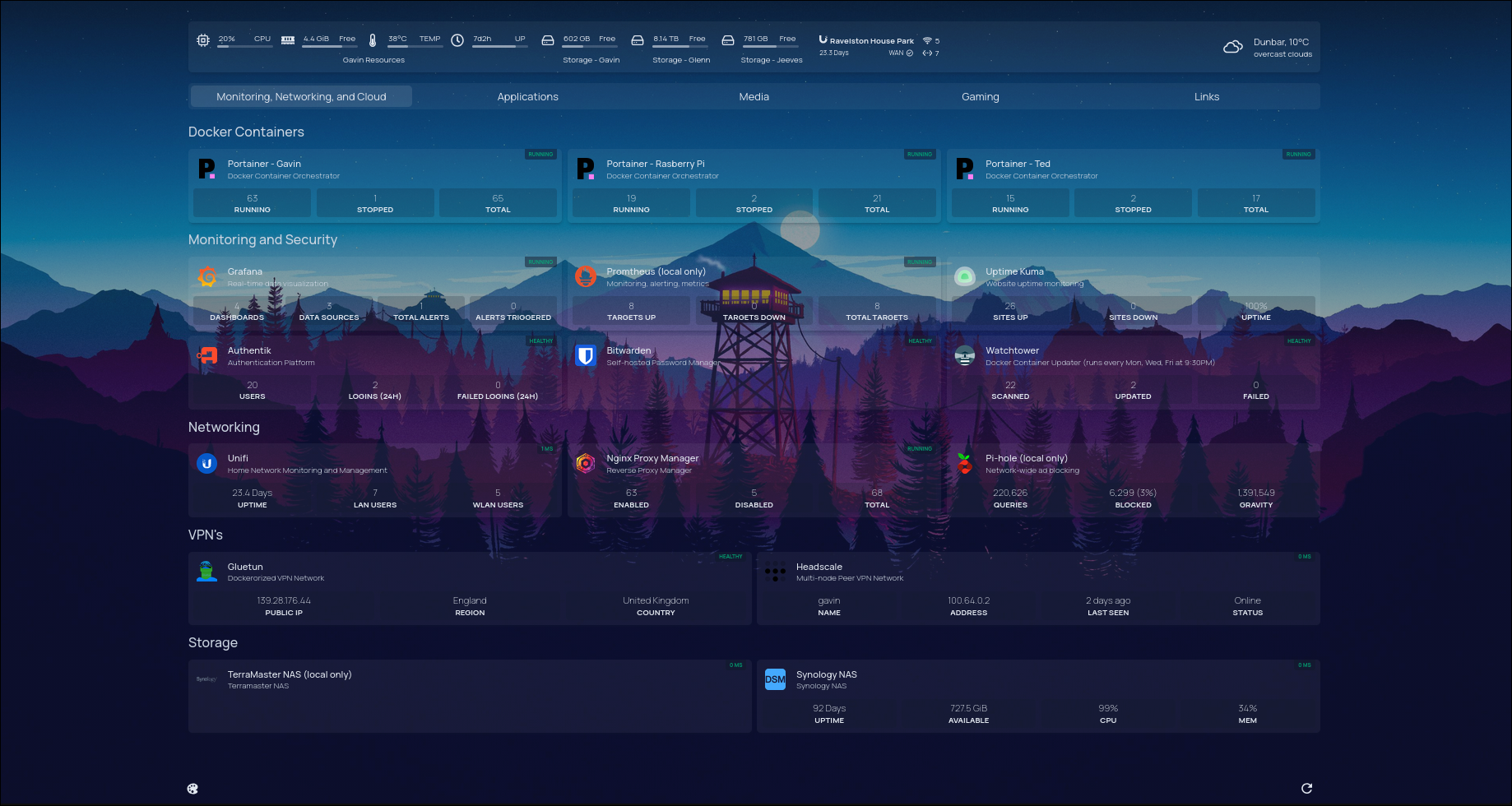
📊 Waybar
I do love me some waybar, that's for sure. Waybar has been an obsession from me for a while. Always started off with looking for templates but they never reach the same scratch for the customization itch. Used saneaspect/dotfiles dot files as reference for waybar.