 thomas
e544580963
thomas
e544580963
VpnIndicator.qml gains ProtonVPN sign-in (with 2FA), location/Secure
Core/NetShield/kill switch options, Mullvad options, and Install /
Uninstall links for both clients via the new scripts/VpnPackage.sh
(pkexec). NetworkIndicator.qml names the VPN the public IP is coming
through, using a new activeVpnLabel on VpnExclusivity.

Tailscale now connects on its own whenever none of Home (UniFi),
ProtonVPN or Mullvad is connected, and still backs off when one is.
VpnIndicator publishes vpnStatesKnown/vpnTransitioning so this waits
for every provider's first poll and never fires mid-switch. A manual
"off" sticks until a provider next connects.

Co-Authored-By: Claude Opus 5.5 <noreply@anthropic.com>
✨ My Hyprland Configuration ✨
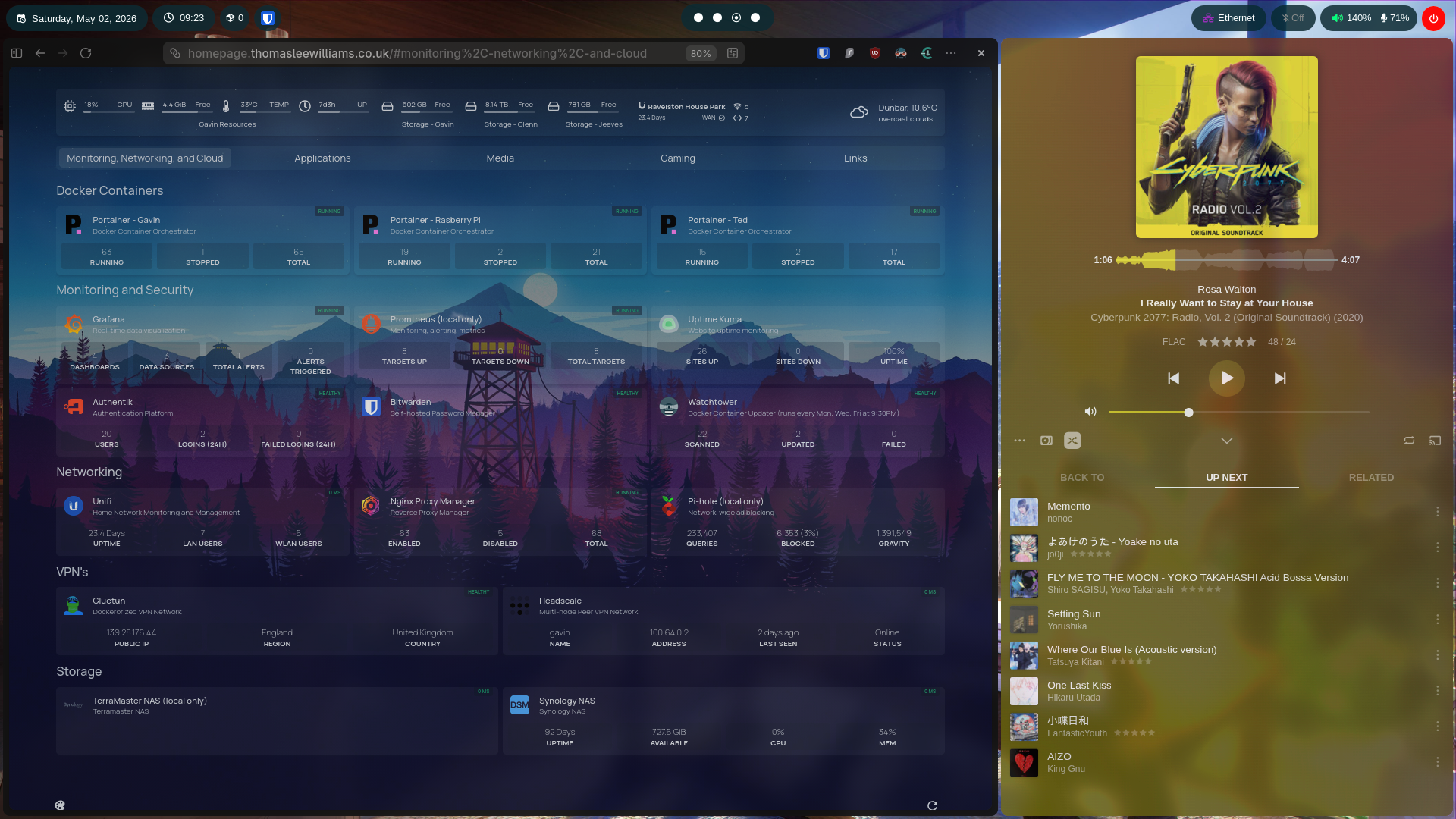 General | Plexamp |
||
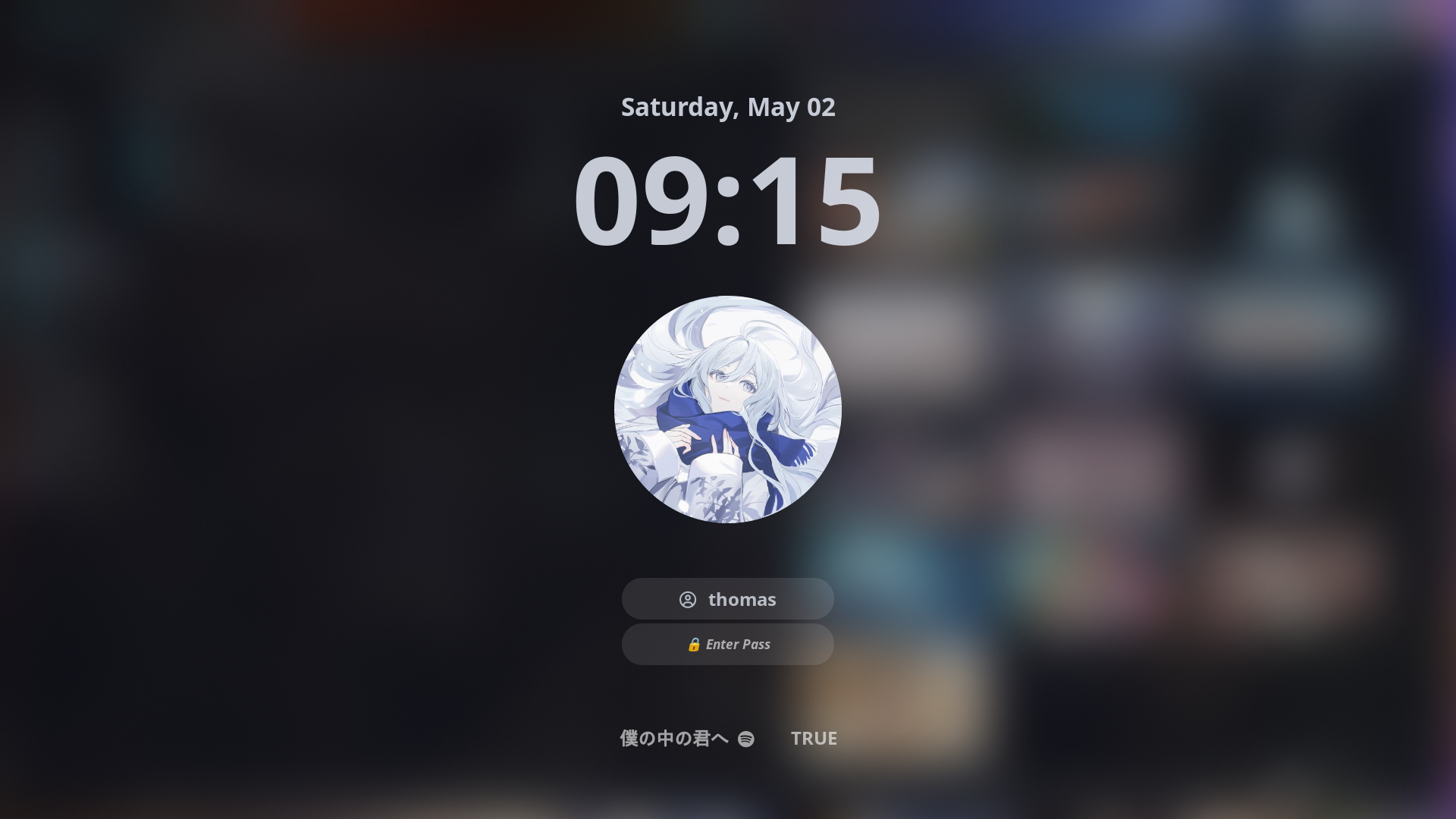 Hyprlock |
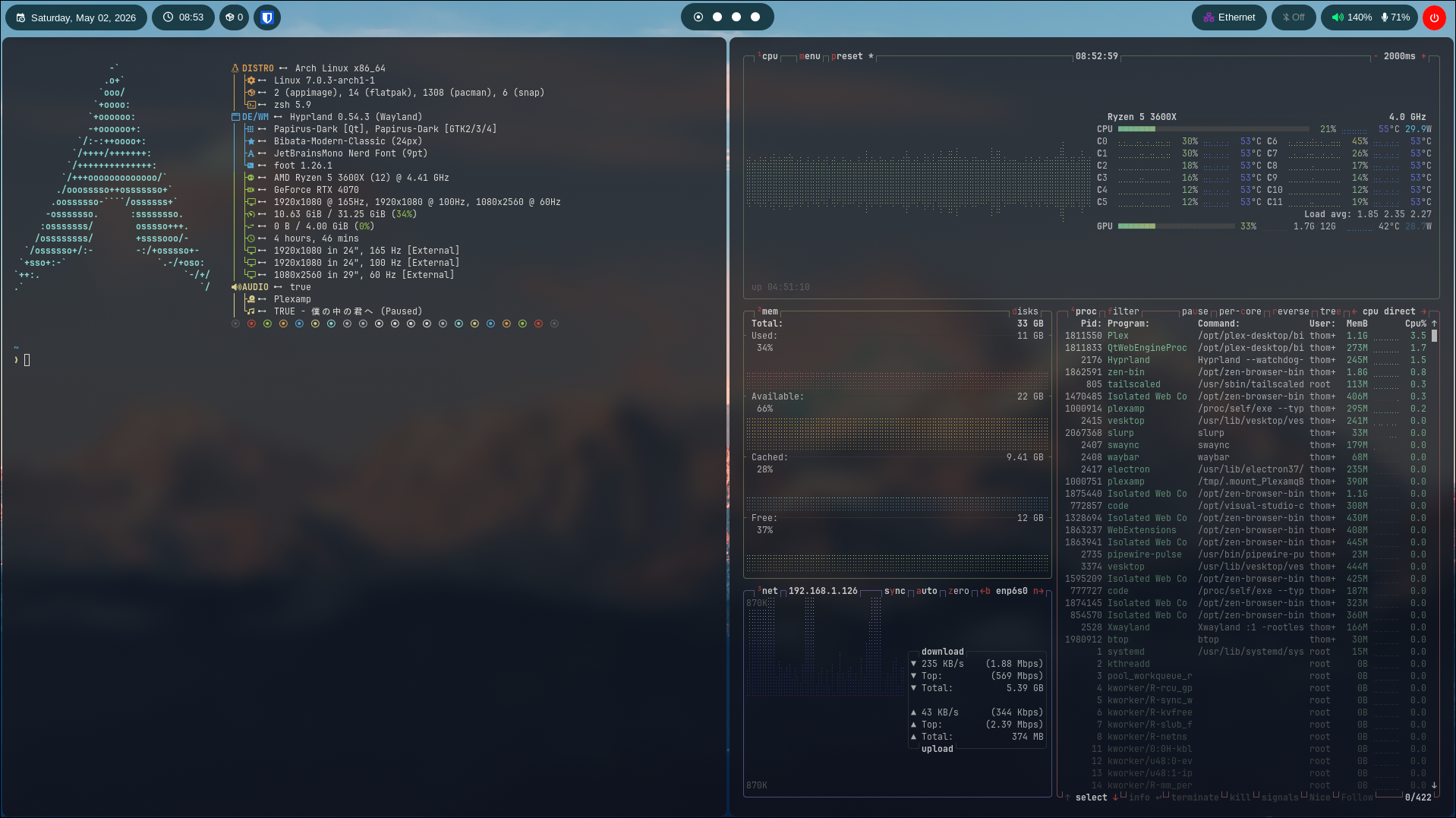 Terminals |
|
⚪️ Dotfiles
My dotfiles, a constantly evolving set of configurations which I arguably spend too much time tweaking, but they make the command line feel like home, so here we are.
🖥️ Installation
In order to apply these dotfiles, you must have the SSH Key stored in your password manager, then connect the SSH-Agent to your shell. Once that is done, you will need the application Stow in order to keep it synced.
After this, you will need to git clone the repo in the Projects directory
mkdir Projects
git clone ssh://git@gitea.thomasleewilliams.co.uk:2222/thomas/dotfiles.git
On a fresh install, run the bootstrap script. It installs drivers (auto-detected),
every package in system/packages.txt, yay, flatpaks, then links the dotfiles and
system config below:
~/Projects/dotfiles/bootstrap.sh            # asks about the optional SVT-AV1 + ffmpeg rebuild
~/Projects/dotfiles/bootstrap.sh --svt-av1  # or --no-svt-av1 to skip the question
To only link the dotfiles, run this command:
stow -d ~/Projects/dotfiles/ -t ~/ dotfiles
This will sync wallpapers/config files to where they are usually located
System-level config (e.g. pacman options) lives in system/ and is installed with sudo:
~/Projects/dotfiles/system/install.sh
Full documentation (every config, keybinding and script) lives in the Outline wiki's Dotfiles collection: https://outline.twhomelab.co.uk/collection/dotfiles-frMIfJi2Hf
📦 Programs
List of programs and tools I use.
| Component | Program |
|---|---|
| 🪟 Windows Manager | hyprland |
| 🖥️ Terminal | ghostty / foot (fallback) |
| 🐚 Shell | zsh + oh-my-zsh / oh-my-posh prompt (.config/ohmyposh/zen.toml) |
| 📁 File Manager | thunar |
| 📝 Editor | vs code / neovim (changing to soon) |
| 🌐 Browser | zen / firefox / startpage |
| 📊 Bar | quickshell (waybar retired, config kept) |
| 🚀 Launcher | rofi |
| 🔒 Lockscreen | hyprlock |
| 🚪 Login Menu | sddm |
| 🗔 Wallpaper | awww / waypaper |
| 🎵 Music Player | plexamp |
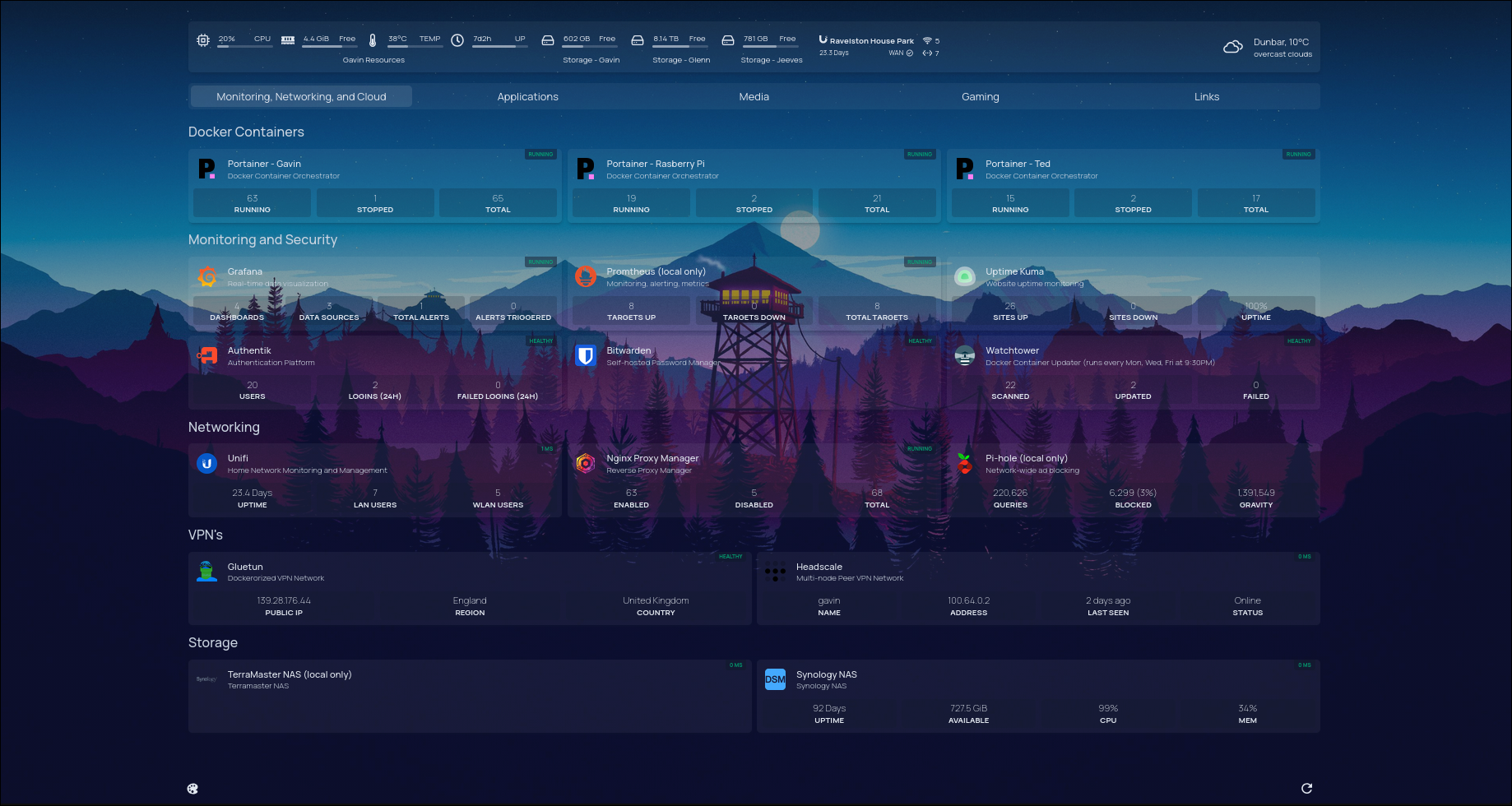
📊 Waybar
I do love me some waybar, that's for sure. Waybar has been an obsession from me for a while. Always started off with looking for templates but they never reach the same scratch for the customization itch. Used saneaspect/dotfiles dot files as reference for waybar.